
Contents
If you're posting images on X (formerly Twitter), you already know visuals can make or break your tweet’s performance. But posting the wrong dimensions? That’s an easy way to get your content cropped, distorted, or ignored. Knowing the right image size for the Twitter post is essential for capturing attention.
In 2026, Twitter continues to update how images display in timelines, threads, and ads. Using the correct twitter sizing not only makes your posts look better but also improves engagement, especially on mobile, where poor crops are more noticeable. It’s not just about aesthetics—Twitter’s algorithm also favours clean, fully visible images.
Why Image Sizing Matters on Twitter
Imagine spending time designing a great visual only to have it cropped weirdly in the feed. That’s what happens when you don’t follow the right dimensions. The correct image size for a Twitter post ensures your visuals look sharp across desktop and mobile.
Accurate Twitter sizing keeps your calls-to-action readable, ensures logos don’t get cut off, and makes meme or infographic posts more scroll-stopping. Whether you're a brand sharing a promo or a creator tweeting a visual thread, the right size improves the way your content performs and how your audience perceives it.
Ideal Image Size for Twitter Post in 2026
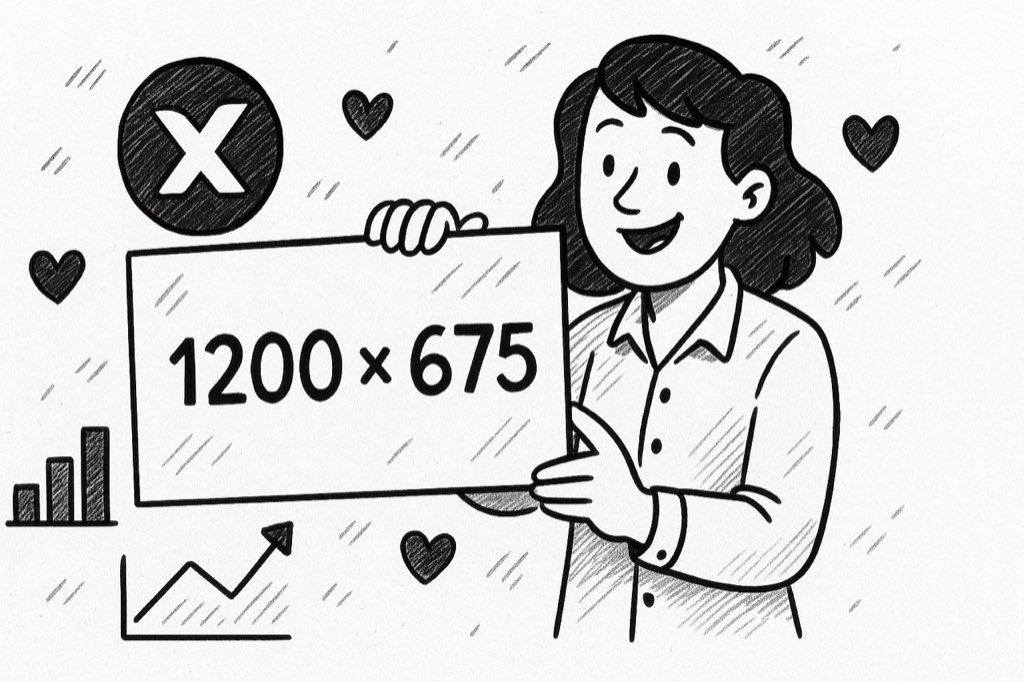
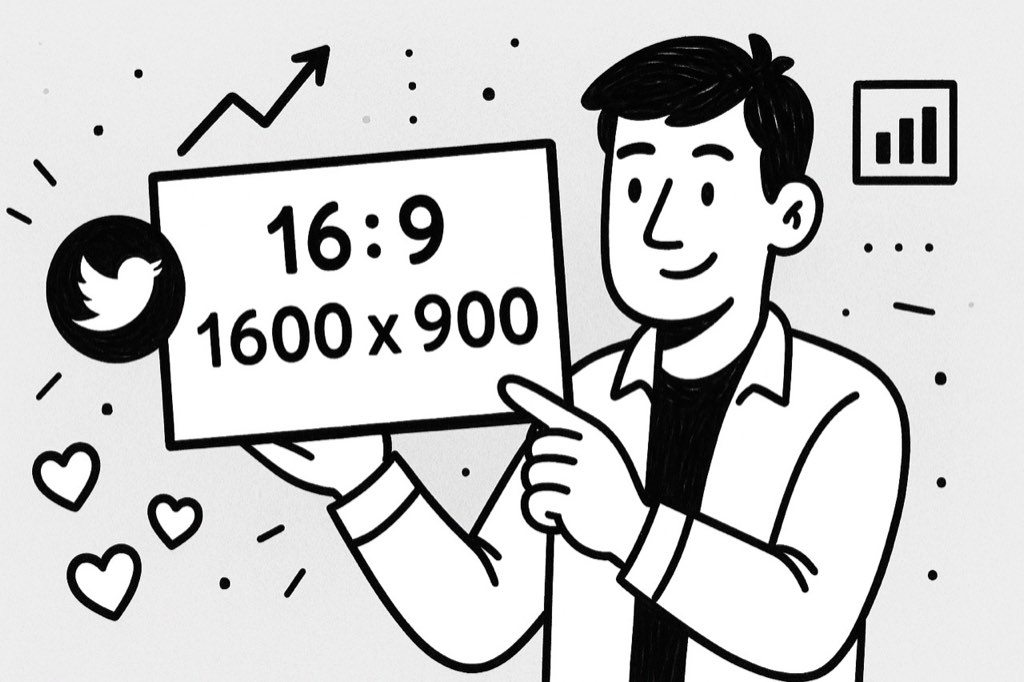
The primary image size recommended for Twitter posts is 1200 x 675 pixels for the standard horizontal layout. This aspect ratio (16:9) guarantees that your photo is fully shown in the timelines, not to mention cropping out some parts of it. That being said, for the square image you should use sizemap.PNG1200 x 1200 pixels, while 1080 x 1350 pixels are the ideal size for vertical images to get better detail.
This is the case with organic tweets. If you are making Twitter Ads or carousel formats, always follow the ad-specific sizing rules. Using the proper Twitter sizing in all formats not only creates uniformity but also looks more professional, whether you are running a campaign or just having fun.
How Twitter Displays Different Image Types
Twitter displays images differently based on their dimensions and how they're uploaded. A horizontal image fits perfectly in the preview window. Square and vertical images may be cropped on the feed unless users click to expand.
That's why the 16:9 ratio is the best choice. There are lots of reasons for that. When your visuals meet the requirements, they will be more visible and get access to full engagement. Constant Twitter sizing also helps keep your branding uniform, and this is especially vital when you are running a series of posts or branded content that is supposed to be visually aligned.
Profile Images and Header Image Sizing
In the process of optimising your tweet visuals, you should not forget your profile image and header banner. Your profile picture should be 400 x 400 pixels (displayed as a circle), while your header image needs to be 1500 x 500 pixels. These are the first things new visitors will see in your profile.
Make sure your branding elements fit within the safe zones to avoid awkward cropping. Even these elements rely on correct Twitter sizing to maintain clarity and professionalism, especially for businesses, influencers, or creators trying to build trust at a glance.
Tips to Optimise Your Twitter Images
Dimensions are not all. File size, format, and design are also important. For clarity, only JPEG or PNG formats should be used. To achieve the best speed, file sizes must be kept at 5MB or lower. It is also helpful to use bright colours, put the font at high contrast, and use the least amount of text to make sure your image pops in the feed.
Using tools like Canva, Adobe Express, or Figma makes it much simpler to create pre-sized templates for Twitter. Making use of these templates guarantees your Twitter sizing is always right, no matter where you are designing. Always check your preview before posting to see how it will look on mobile and desktop devices.
What Happens When You Don’t Use the Right Size
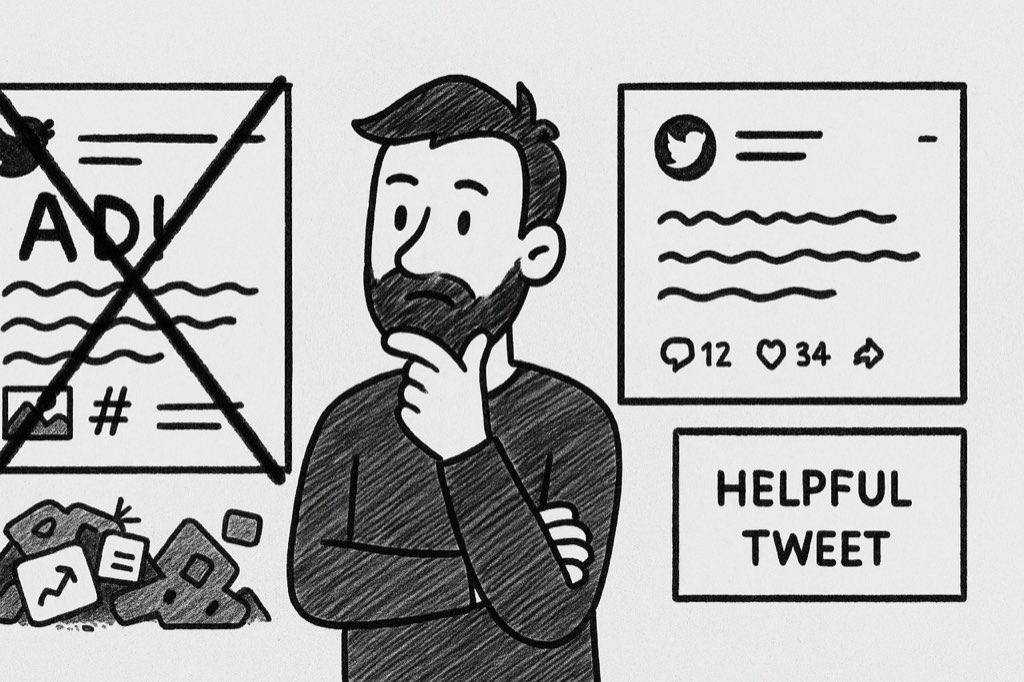
When your image doesn’t match the right dimensions, Twitter crops it automatically—and not always in your favour. Key visuals like text, faces, or products may be hidden in preview mode. This reduces engagement and makes your tweet feel unprofessional.
Incorrect Twitter sizing can also make your account look careless, especially if you’re using Twitter for business. Over time, that could hurt your brand’s credibility or cause you to lose out on reach and retweets that clean visuals could have earned.
Best Tools for Twitter Image Sizing
Don’t want to guess the right sizes each time? Use tools designed for social media image templates. Platforms like Snappa, Kapwing, and Canva have dedicated formats for Twitter headers, post images, and ads.
These tools make it easier to nail twitter sizing without needing to memorise pixel dimensions. They also offer drag-and-drop features, so you can focus on creativity without the tech stress. Most also offer previews for desktop and mobile views, so you get the perfect crop every time.
Final Thoughts
Knowing the appropriate image size for a Twitter post in 2026 is vital for superior visibility, cleaner branding, and increased interaction. Be it memes, infographics, product shots, and ad creatives, getting the dimensions right positively impacts everything you do after that.
With the correct Twitter sizing, your pictures will be many times sharper, your tweets not only will disappear in the crowd, but your audience will get interested. It is a small detail, but with a huge benefit, and it is one of the simplest ways to instantly upgrade your Twitter game.
FAQs
1. What will be the best Twitter post image size in 2026?
The best image size for horizontal Twitter posts is 1200 x 675 pixels. Displaying the image fully in the feed on both mobile and desktop without cropping is made possible by this size.
2. Why does engagement depend on the right Twitter sizing?
Correct Twitter sizing resolves the problem of low-quality images, cropping, and visibility of the main content. Properly structured images appear differently in the timeline. Hence, they have more potential for clicks, retweets, and comments.
3. Can I post vertical images on Twitter?
Yes, horizontal images are good, but in a lot of cases, they may look cropped in previews. Use 1080 x 1350 pixels, and ensure that the most significant details are located in the middle. This will also help to keep them visible in mobile timelines.
4. What size should the Twitter profile image be?
Your Twitter profile image should be 400 x 400 pixels. Since it is shown as a circle, just remember to keep important design elements in the centre so that they do not get cropped.





Your next customer is already on X.
Find the people talking about what you sell, message them on a safe schedule, and turn the replies into booked calls.
- Scrape leads from any tweet, keyword or X List
- Auto-DM new followers and people who engage
- Follow-ups that stop the moment someone replies
- Safe daily limits and warm-up, built in
- Every reply tracked through to a booked call
Free Test plan · no credit card.
Related posts


Ready to automate your Twitter DMs?
Start sending personalized DM campaigns to your target audience today. Get higher response rates and more leads than cold emails.