
Export Twitter following list to CSV
See who any public X account follows, as a CSV with handles, bios and follower counts. Copy a curated network, study a competitor or build a lead list. Paste a handle to start.
Opens the XAutoDM app with this filled in. You can look around on a free account; scraping runs on a paid plan, from $19 per account. See pricing.
What does the following list export do?
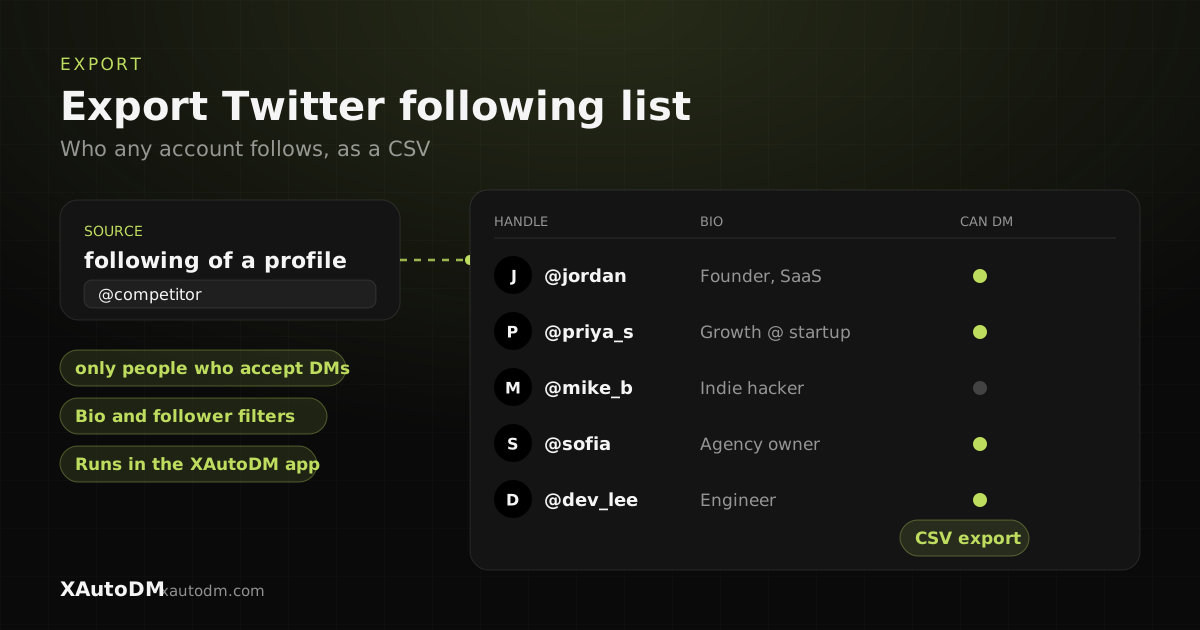
This tool exports the accounts a public X (Twitter) profile follows into a CSV, with each account's handle, name, bio, follower count, verified status and location. Use it to copy a curated network, see what a competitor follows, or build a lead list from the accounts your niche trusts.
Enter a handle and you continue in the XAutoDM app, where the export runs. You can create an account for free and look around. Exports run on a paid plan, from $19 per account per month, so this is not a free exporter.
The CSV opens in Excel and Google Sheets. A following list and a followers list are separate exports, so run both when you want both sides of an account. The followers side is on the export Twitter followers list page, and you can also scrape a competitor's Twitter followers.
How to export a Twitter following list to CSV
- Enter the @handle or profile URL of the account whose following list you want.
- Pick roughly how many accounts to pull.
- Click Export following list to continue in the app.
- Create your account and pick a plan (from $19 per account).
- Filter by bio keywords, followers, verified or can-DM, then download the CSV.
Tips for better results
- To copy a curated network, export the following list of someone whose picks you trust, then filter by bio.
- To study a competitor, export who they follow. Investors, customers and tools show up fast.
- Filter by can-DM before you export if you plan to message anyone on the list.
- The CSV is a plain list of handles. XAutoDM does not move follows to another platform for you.
Frequently asked questions
How do I export my Twitter following list?
Enter your own handle here and continue in the XAutoDM app, where the export runs on a paid plan. You get a CSV of every account you follow, with handle, name, bio, follower count and verified status.
Can I export a Twitter following list for free?
Not here. You can create a free account with no card and explore the app, but exports use lead credits that come with a paid plan, from $19 per account per month.
Can I export the following list to Excel?
Yes. The export is a CSV, which opens directly in Excel and Google Sheets.
Can I export both the follower and following list?
Yes, as two exports. Run the following list here and the followers list on the export followers page. Each one gives you its own CSV.
Can I scrape the following list of any account?
Any public profile. Enter the handle and the scrape runs in the app.
Turn your X profile into booked calls
XAutoDM finds your ideal buyers on X, sends personalized cold DMs that land in the inbox, and turns replies into meetings, on autopilot.
Get started