
Run cold DM outreach for every client from one dashboard
Separate accounts, lead lists and inboxes per client, one place to run them all, and per-account numbers you can put straight in a report.

A separate tool, login and spreadsheet per client
- Every client means another subscription, another login, another place to check.
- No clean way to prove which outreach produced which booked call at renewal time.
- One account gets restricted and you find out from the client, not the tool.

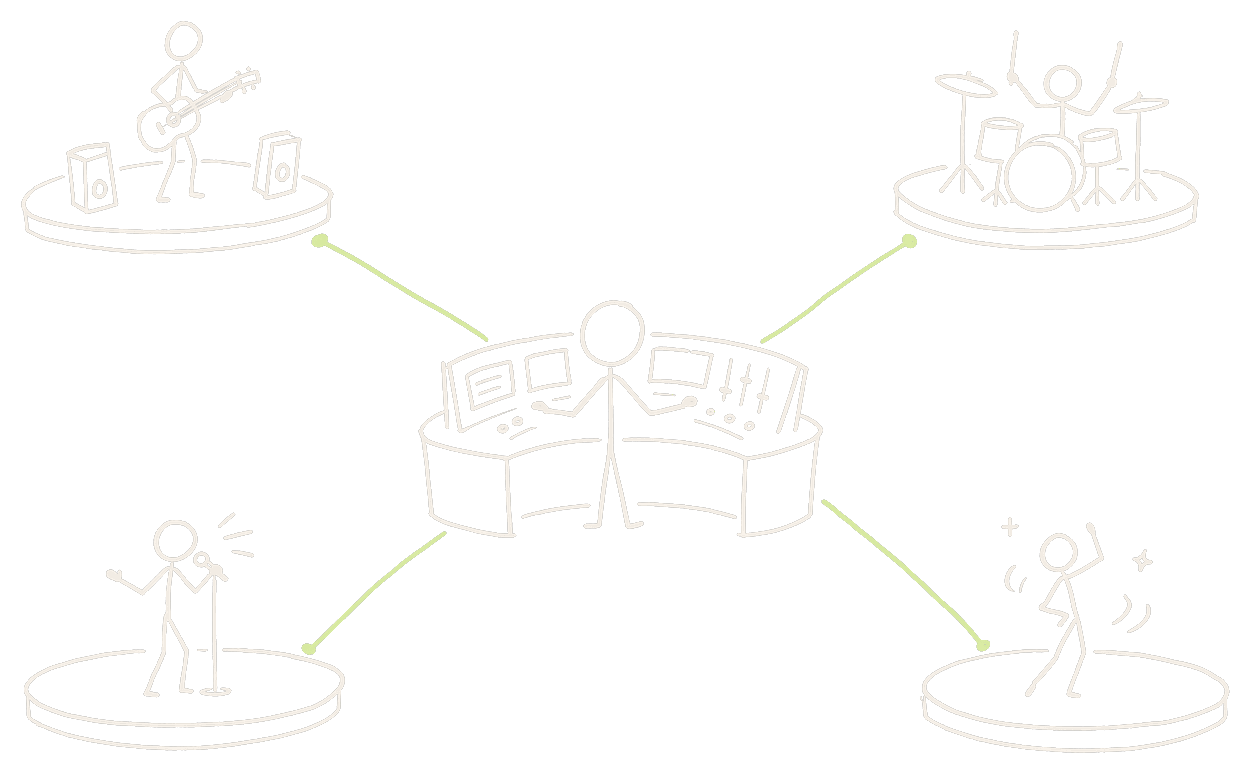
One dashboard, one account per client
Each connected X account carries its own lead lists, campaigns, sending schedule and inbox. Nothing bleeds between clients, and you are never logging in and out of separate tools to check on a campaign.
Build a different audience for every client
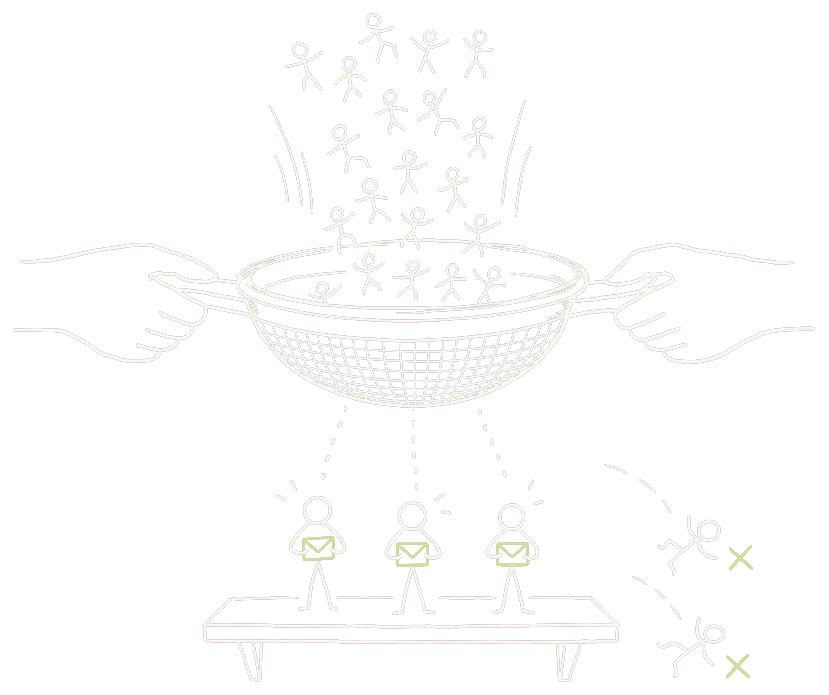
A recruiter client wants candidates. A SaaS client wants founders posting a problem. Scrape competitor followers, keyword intent, tweet engagers or a curated X List, and filter each one down to people who can actually receive a DM.

Reporting you can put in front of a client
Sent, replies, reply rate and calls booked, broken out per account. When a client asks what they are paying for, the answer is a number, and you can see immediately whether a weak month is the copy or one specific profile.

Client accounts stay safe, which is the whole job
Conservative per-account caps that no setting can raise, human-like timing, and a warm-up ramp on anything newly connected. Getting a client's account restricted costs the retainer, so the product is deliberately built to send less than it technically could.
Live in a few minutes
Connect each client account
Log in or paste cookies. One account per client, kept separate.
Build that client's audience
Scrape or import a list matched to their offer, then filter it.
Launch on their schedule
Per-client messaging, sending window and daily limit.
Report per account
Reply rate and booked calls, split by client, ready to send.
One tool instead of one per client
The features doing the work
Multi-account outreach
Scale by adding accounts, not by pushing one harder. Pricing is per account for exactly this reason.
Competitor Followers
The fastest way to build a relevant audience for a brand-new client.
Reply Tracker
A separate pipeline per client account: New, Interested, Booked, Not interested.
DM Analytics
Per-account sent, replies, reply rate and calls booked — the numbers for the report.
Account Warm-up
Ramp a newly connected client account before you scale sending on it.
Follow-up Sequences
Most replies come on the second or third touch, and they stop the moment someone answers.
New to this? Start with the docs · How pacing keeps accounts safe · Pricing
Questions
Can I run outreach for several clients at once?+
Yes. That is the model the product is priced around. Each client gets their own connected account with its own lead lists, campaigns and inbox, and plans are sold per account in buckets of 1, 5, 10 and 20.
Do clients need to give me their password?+
Not necessarily. An account can be connected either by logging in or by pasting session cookies exported from a browser, so a client who prefers not to share a password can hand over cookies instead. Credentials are encrypted at rest either way.
What happens if I connect more accounts than my plan allows?+
The extra accounts stay connected with their data intact but go inactive, so the engine will not send from them. Upgrading reactivates them — nothing is deleted.
Can I white-label the reporting?+
There is no white-label export today. You get per-account analytics in the dashboard — sent, replies, reply rate and calls booked — which most agencies copy into their own reporting template.
How do I keep a client's account safe?+
Stay under the safe daily limits, which the product enforces anyway and no setting can raise. Let newly connected accounts run through their two-week warm-up ramp, and add accounts rather than pushing volume on one.
What if two clients target a similar audience?+
Each account keeps its own lead lists and its own Do-Not-Contact list, so campaigns never collide. A global recently-contacted guard also stops the same person being messaged twice from the same account.
How fast can I get a new client live?+
Connecting the account takes about two minutes, and a first scrape is a few minutes more. Realistically a new client is sending the same day, though it is worth warming a fresh account first.
Is this suitable for lead-gen agencies specifically?+
It is the most common use. The workflow — build a targeted list, run a paced sequence, triage replies, report on booked calls — is the entire lead-gen agency deliverable, done on a channel that is far less saturated than email.
Start sending today
Connect an account and start booking calls. Plans from $29 per account.