

Contents
Twitter's X advanced search helps users locate past brand discussions while monitoring competitor activities and identifying suitable influencers. The free X advanced search tool helps you perform these actions.
The majority of X users perform basic search tasks. Standard users cannot unlock advanced Twitter capabilities, which help them access old tweets with filters and locate tweets with images. Marketers and businesses now have better access to the useful information they can put into action.
Advanced search on X helps you discover competitor data, customer opinions, or tweet results across Twitter without an account. Using xAutoDM tools with your research results lets you design marketing plans that produce actual business success.
This guide teaches you how to use X's powerful search capabilities and provides tips for better online advertising.
1. Search Tweets by Date

You can search tweets through exact time intervals on X using since: and until: operators and entering YYYY-MM-DD date format into the search bar.
To monitor product launch tweets from June 2023, you would search product launch since:2023-06-01 until:2023-06-30. The tool proves useful for understanding previous marketing efforts while checking how social mentions about your brand have evolved during particular periods.
Use multiple operators with date searches to find exact time-based results. The results show everything a competitor did from January 2023 through March 2023.
2. Master the Twitter Search Without Account Options
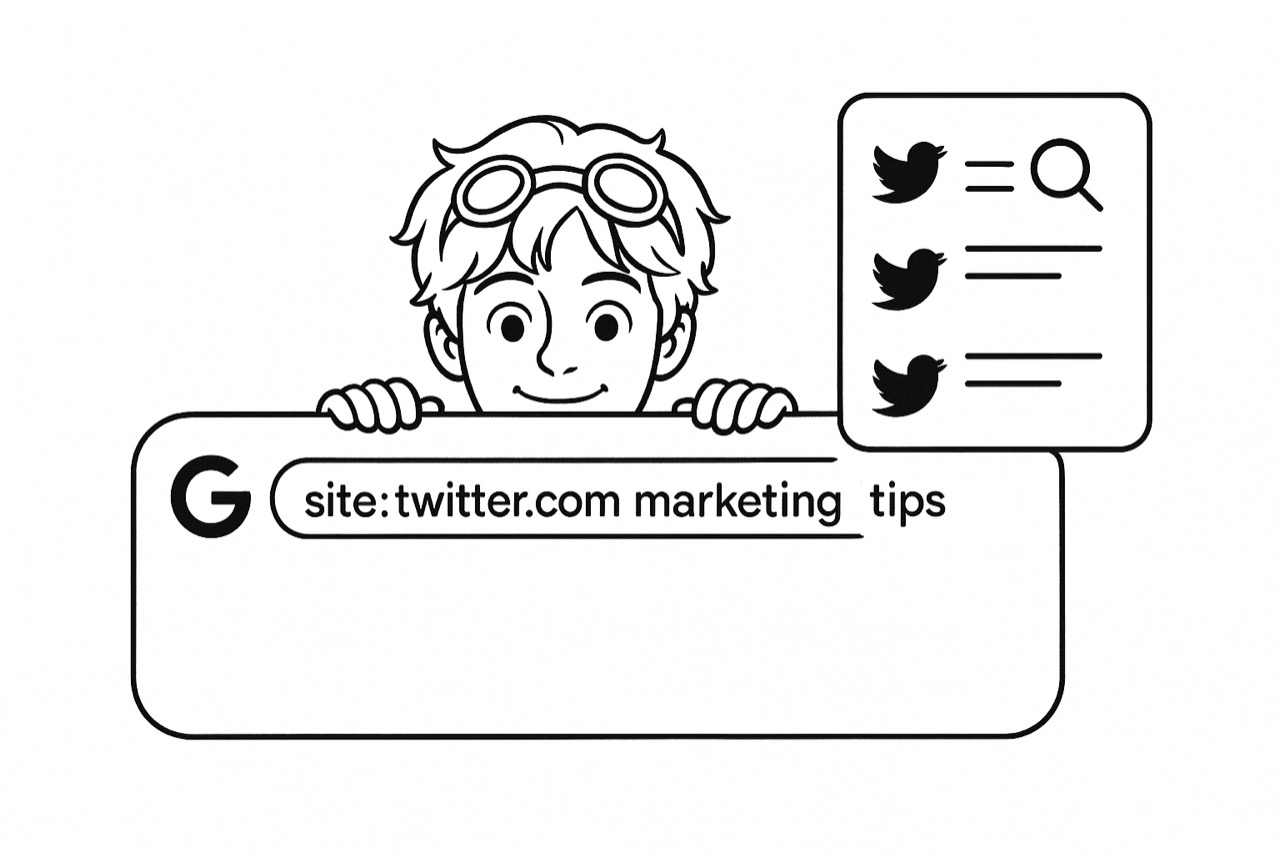
You can run basic Twitter searches easily without having to sign in. You can still access tweets on X using their full advanced search, but you need to create an account first.
To search Twitter quickly, type site:twitter.com and add your search terms in Google search. Twitter displays public tweets matching marketing tips when you search for site:twitter.com.
To monitor Twitter without signing up, set up Google Alerts that track tweets from twitter.com together with your brand terms. You receive email alerts for matching content through this setup, which lets you monitor without signing into Twitter.
3. Find Tweets With Visual Content Using Twitter Image Search

Pictures lead to greater social media response, while Twitter image search lets you discover the strongest visual content for your topic. The filter images operator enables you to search for tweets that include images when used with your chosen keywords.
When you search product packaging filter: images, Twitter shows you tweets with pictures about product packaging layout. Twitter image search provides essential benefits for product analysis and visual marketing research. Our tool shows you popular image tweets by applying the filters min_faves:100 filter: images.
With this technique, marketers can locate branded content made by users and check what influencers do with their merchandise.
4. Use X Search to Monitor Industry Conversations

Using the X search tool lets you monitor sector discussions by linking various search criteria. This system lets you monitor industry reports and recognize potential promotion spots.
Research the CRM industry using questions about CRM software to find potential clients who want solutions to their problems. Combine your industry keywords with words like amazing or terrible to see what people think about industry-specific topics. Check event participation by looking for shared resources with the search conference name filter: links.
After running your query, select the three-dot menu to save your search under Save search. With X, you can store 25 of your key industrial search results so you can access them easily at any time. You can use xAutoDM to respond automatically to identified potential customers based on their engagement with the target market.
5. Research Competitors Using Advanced Operators

Advanced search on X helps businesses perform successful competitor monitoring. Social media research tools enable you to analyze different competitor aspects of social activity to determine what they do well and where they struggle.
Open the search bar and type from: competitor to view the competitor's full Twitter presence. You can view their best posts with the search from: competitor min_retweets:50. Your Twitter activity and customer comments need analysis. Enter to: competitor to view all interaction data that competitor users send to them. To spot customer complaints, use the to: competitor operator followed by these related terms: terrible OR problem, OR issue.
You can monitor particular competitor marketing efforts via searches like competitor campaign_hashtag since 2023-01-01. When you want to find verified accounts that interact with competitor content, use this search term: to: competitor filter: verified.
6. Discover Local Conversations With Location-Based Search
Twitter's location filtering tool enables businesses to focus search results on nearby audiences. Design your query using the near: function to enter one location, followed by setting the search parameters using within: and specifying the desired distance range.
This search command returns relevant tweets about coffee shops within 5 miles of Seattle. Small businesses can check their neighbourhoods to locate nearby customers and find local leaders in their area through Twitter search filters. Event managers can spot nearby event talk during sessions using conference_hashtag venue_location within 1 mile queries.
Companies with physical stores or market-focused operations find this approach very helpful. Real estate agents use Twitter to follow neighborhood real estate discussions, while restaurants and retail stores look for Twitter users who talk about their products near their business area.
7. Filter Results By Engagement For Quality Content

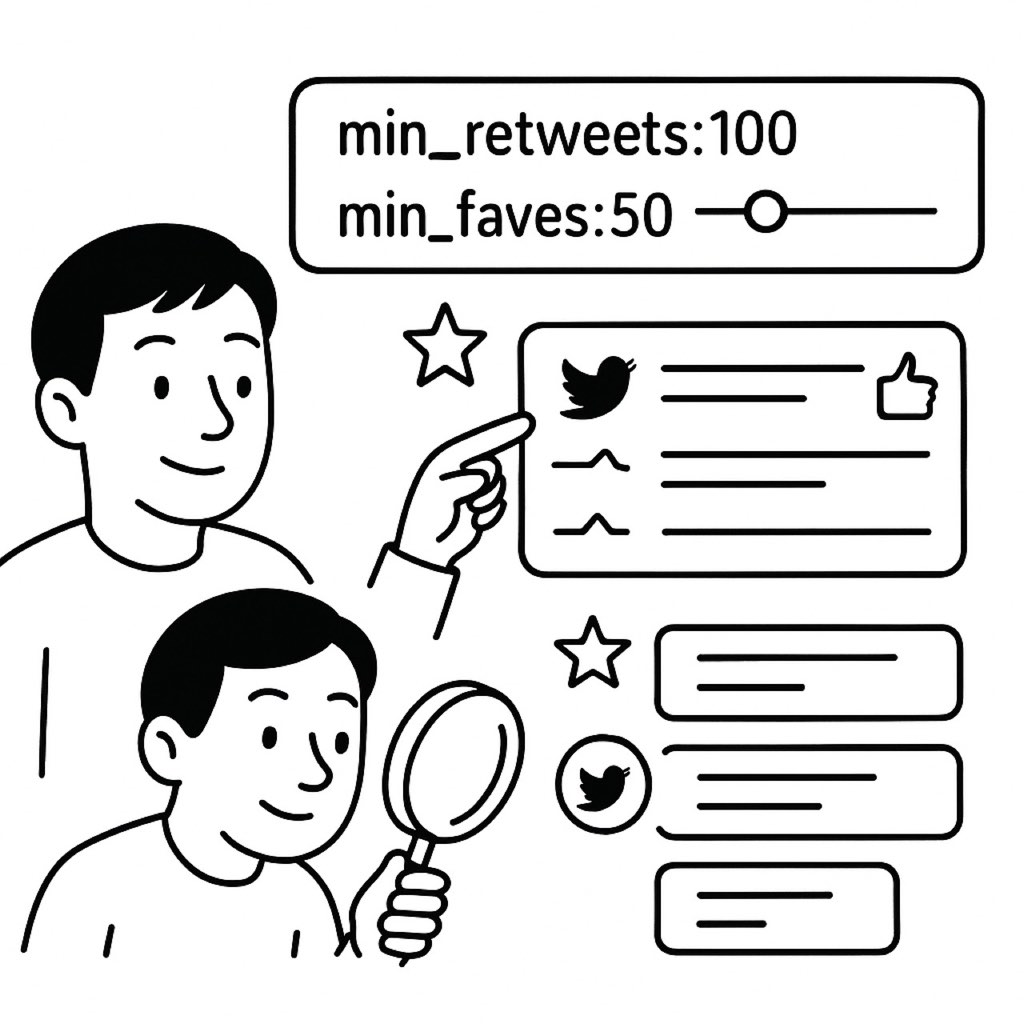
Finding high-quality, popular content is easy with Twitter's engagement filters. Use operators like min_retweets:, min_faves:, and min_replies: to filter for tweets that have achieved a minimum level of engagement.
For instance, industry_keyword min_retweets:100 will show tweets about your industry that have been retweeted at least 100 times. This helps identify viral content, influential voices, and trending topics in your niche. You can combine multiple engagement filters too, like keyword min_faves:50 min_replies:20 to find tweets that generated both likes and conversations.
Marketers use these filters to research what content resonates with their target audience, identify potential influencers based on engagement rates, and understand what types of messages drive the most interaction. Content creators can study highly engaging posts to inform their content strategy. After finding popular content creators through these searches, you can use tools like xAutoDM to reach out and explore partnership opportunities.
Conclusion
These seven advanced X search techniques give you powerful ways to find exactly what you need on Twitter. By mastering Twitter search skills, you'll discover valuable insights about your audience, competitors, and industry trends. Start using these methods today to improve your marketing strategy and connect with the right people at the right time.
FAQs
Can I search tweets by date range on the mobile app?
Yes, you can search tweets by date on mobile. Simply type your search term followed by since: YYYY-MM-DD until: YYYY-MM-DD in the search bar. While the advanced search interface isn't available on mobile, these search operators work the same way.
How can I do a Twitter image search for a specific account?
To perform a Twitter image search for a specific account, combine two operators: from: username filter: images. This will show all tweets with images from that particular account. Add keywords to narrow your results further.
Is it possible to search Twitter without an account?
Yes, you can perform a basic Twitter search without account using third-party tools like Social Searcher or Twitonomy. However, for full X advanced search capabilities, having an account provides better results and more filtering options.





Your next customer is already on X.
Find the people talking about what you sell, message them on a safe schedule, and turn the replies into booked calls.
- Scrape leads from any tweet, keyword or X List
- Auto-DM new followers and people who engage
- Follow-ups that stop the moment someone replies
- Safe daily limits and warm-up, built in
- Every reply tracked through to a booked call
Free Test plan · no credit card.
Related posts



Ready to automate your Twitter DMs?
Start sending personalized DM campaigns to your target audience today. Get higher response rates and more leads than cold emails.