

Contents
Managing a presence on X (formerly Twitter) today is more than just firing off tweets. With engagement windows shrinking, algorithm updates constantly shifting, and audience expectations rising, the right systems must stay ahead. That’s where Twitter management tools come in.
These tools allow you to schedule posts, track performance, engage your followers, and manage several accounts—all without the help of a social team. If you are really concerned about either expanding or sustaining your brand presence, the presence of the right set of tools for your stack is no longer a choice but a necessity.
Let’s explore the top-performing Twitter management tools in 2026, plus how to choose the best one for your goals.
Why Twitter Management Still Matters in 2026
X has changed a lot over the last few years, but one thing remains: speed and timing are everything. Users expect quick responses, regular updates, and content that doesn’t feel robotic. At the same time, businesses and creators are handling multiple platforms.
That’s where Twitter management tools save the day. They consolidate scheduling, analytics, audience targeting, and engagement monitoring in one place. More importantly, they help you create a consistent strategy without logging in 12 times daily.
Whether you’re growing an agency, building a personal brand, or running support via DMs, effective Twitter management keeps your efforts efficient and scalable.
What Makes a Good Twitter Management Tool?
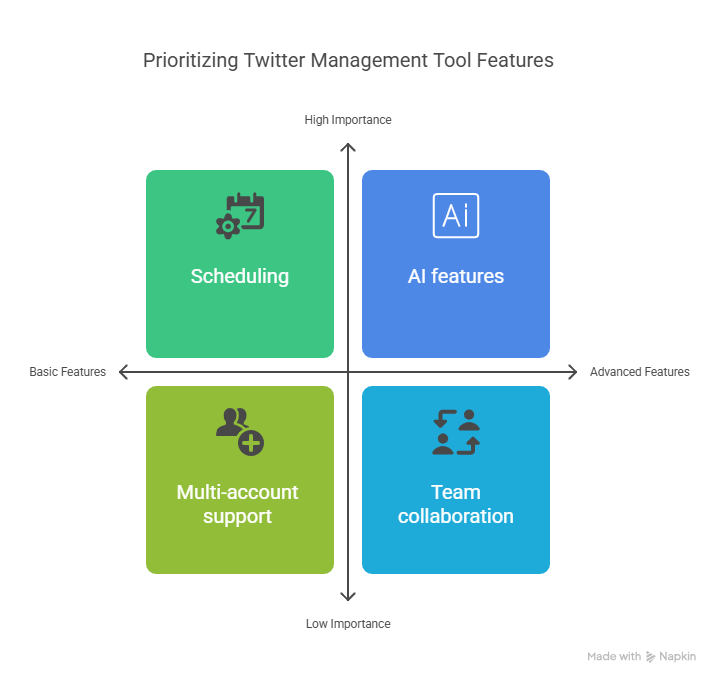
Not all tools are created equal. The best Twitter management tools typically offer:
-
Scheduling with queue or calendar views
-
Real-time analytics and performance insights
-
Multi-account support
-
Engagement tracking (likes, replies, DMs)
-
AI features for copy suggestions, hashtag ideas, or auto-replies
-
Team collaboration features for larger setups
You should also consider integrations with CRMs, content planners, or even AI writing tools depending on your workflow. After all, great Twitter management is about custom fit—not one-size-fits-all.
7 Best Twitter Management Tools in 2026
1. TweetDeck (Now X Pro)
Still a fan favourite for real-time monitoring, TweetDeck—now branded as X Pro—is perfect for live events, trending topics, and handling multiple streams at once. If speed and visibility are key, this is your go-to dashboard.
2. Hypefury
One of the smartest Twitter management tools for creators. Schedule threads, automate reposts, and get AI-assisted caption ideas. It even reminds you to reply to high-performing tweets to boost impressions.
3. Buffer
A long-standing name in Twitter management, Buffer shines in simplicity. It’s great for solo marketers or teams wanting clean scheduling, calendar views, and link tracking with a focus on clarity over clutter.
4. Tweet Hunter
If you’re building a personal brand, Tweet Hunter is tailored to help you write better tweets, automate DMs, and track engagement deeply. Great for influencers, consultants, and indie SaaS builders.
5. Sprout Social
More of an enterprise-level solution. Sprout offers full Twitter management with deep analytics, sentiment tracking, and custom reporting. Ideal for teams and agencies managing multiple clients.
6. Typefully
Loved by tech-savvy users, Typefully is sleek, minimal, and focused entirely on writing great tweets and threads. It’s one of the most creator-friendly Twitter management tools out there.
7. xAutoDM
If your strategy includes direct outreach, xAutoDM automates personalised DMs at scale. It works alongside your regular content workflow and integrates well with other Twitter management software in your stack.
Tools like xAutoDM allow you to send outreach messages at scale—but like any automation feature, it must be used responsibly. If you're unsure about best practices, this guide explains whether automated DMs are safe and how to avoid getting flagged in 2026.
How to Choose the Right Tool for Your Needs
It’s tempting to try them all, but start with what your current workflow looks like. If you mostly schedule content, go with something lightweight like Buffer or Hypefury. If you run Twitter outreach, integrate tools like xAutoDM into your Twitter management tools mix.
For analytics-driven teams, platforms like Sprout Social or Tweet Hunter are better choices. Your ideal tool should match both your skill level and scale.
The smartest Twitter management strategy in 2026 is built around flexibility, not overkill.
Why Automation Isn’t Everything
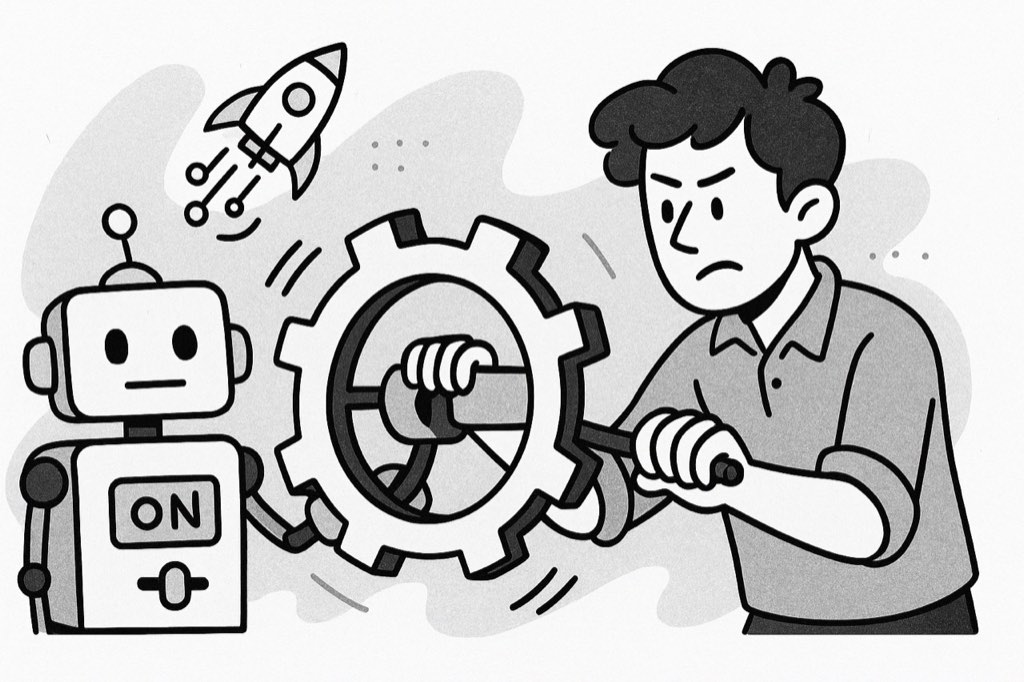
While it’s tempting to automate every post, smart brands know that the real magic happens in the comments and DMs. Twitter management tools help you show up consistently, but human interaction still wins.
Use your tools to get time back—not disconnect from your audience.
One point to make here is that Twitter management is not just about software - that it is about trust and connections being built at scale.
Common Mistakes to Avoid
Even with great tools, it’s easy to fall into these traps:
-
Over-scheduling content without adjusting to news/events
-
Ignoring replies and DMs because everything is automated
-
Using outdated or banned automation tricks
-
Tracking vanity metrics instead of real goals like clicks, replies, or conversions
The best Twitter management tools support you without taking over. You should still be in the driver’s seat, steering strategy and tone.
Final Thoughts
In 2026, managing X is not about tweeting casually, but instead it requires structure, timing, and insight. Appropriate Twitter management tools will make you focus only on the essentials, such as engagement, consistency, and results.
Whether you are a start-up founder, a solo creator, or a part of a growing team, the investment in smart Twitter management not only saves time and reduces stress, but it also helps you build traction faster.
Spend time experimenting, refining your workflow, and creating a toolkit that promotes your voice online without losing the human element, which is the core of what makes Twitter what it is.
FAQs
1. What are Twitter management tools used for?
They let you schedule tweets, track analytics, run multiple accounts, and engage followers simply and efficiently. In 2026, great Twitter management tools are a basic need for brands, creators, and agencies as well.
2. Is it possible to manage multiple accounts with one tool?
Yes. Most top Twitter management tools like Sprout Social or Buffer let you switch between accounts and manage them in one dashboard—ideal for teams or freelancers juggling different brands.
3. Are free Twitter management tools good enough?
Some, like X Pro (TweetDeck), offer solid features for free. Meanwhile, the paid Twitter management tools usually come with more comprehensive analytics, better automation, and higher support levels, which are worth your while if you are serious about growth.
4. How do I determine which Twitter management tool is the best choice for me?
Define your goals first. Do you need advanced scheduling, automated DMs, or deep analytics? Then match those needs to what each platform offers. Great Twitter management starts with knowing your workflow.





Your next customer is already on X.
Find the people talking about what you sell, message them on a safe schedule, and turn the replies into booked calls.
- Scrape leads from any tweet, keyword or X List
- Auto-DM new followers and people who engage
- Follow-ups that stop the moment someone replies
- Safe daily limits and warm-up, built in
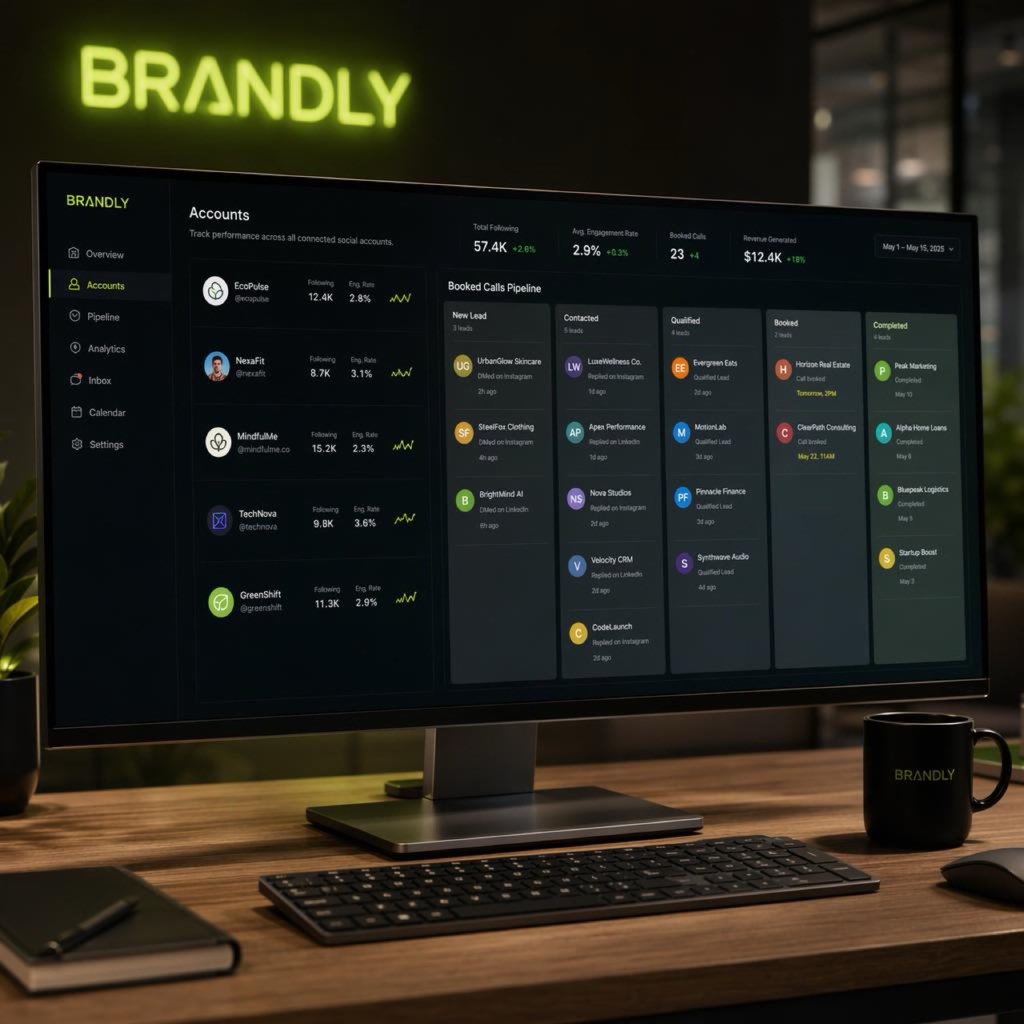
- Every reply tracked through to a booked call
Free Test plan · no credit card.
Related posts


Ready to automate your Twitter DMs?
Start sending personalized DM campaigns to your target audience today. Get higher response rates and more leads than cold emails.